Free Website Checks

Two free checks on your website

Start with whichever problem you actually have. If your pages are not in Google, nothing else matters yet. If they are indexed but not earning their keep, the second check is the one you want.

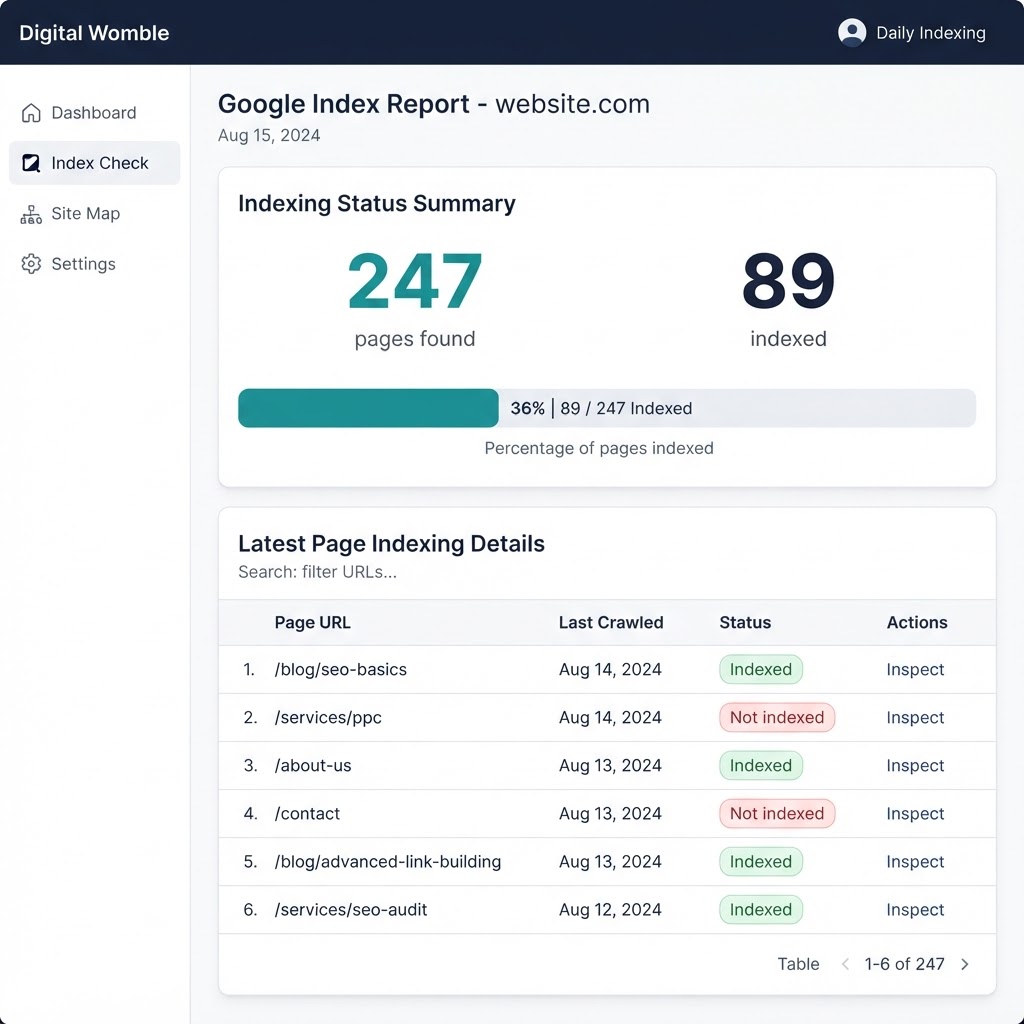
Google index check result showing indexed pages against total pages found

Check one

Are your pages actually in Google?

Google knowing a URL exists and Google indexing it are two different things. This check compares what is on your site against what Google has actually indexed, and shows you the gap.

Run this if:

you have published pages that never appear in search, a site that was recently rebuilt, or more URLs than you could ever submit by hand.
Run the free index check
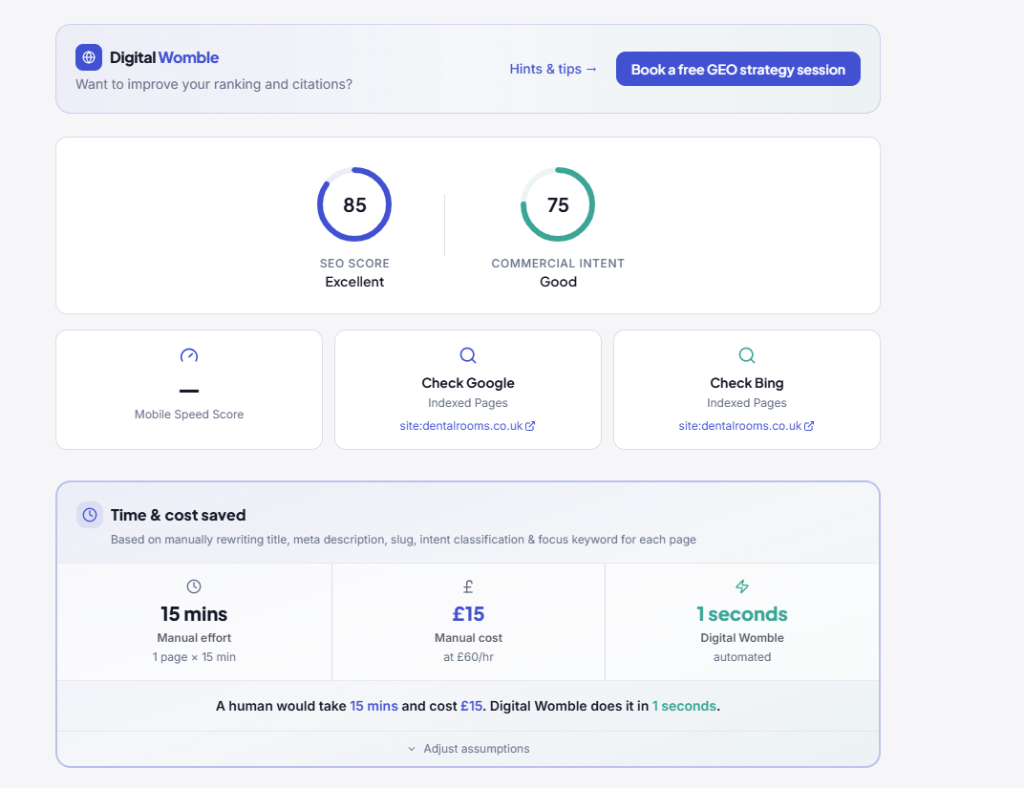
Traffic quality scan listing pages with missing titles and descriptions

Check two

Are your indexed pages worth finding?

A page-level look at titles, descriptions and commercial intent. It finds the pages attracting the wrong visitors, the ones with nothing to click on in the search result, and the ones competing with each other.

Run this if:

traffic is steady or rising but enquiries are not, or you have never audited what your pages actually say to a search engine.

Run the free traffic quality check

What happens after

After the index check

The free check crawls your site and counts every page it finds. You see that number immediately. No email address is required; you enter a domain and get a count.

If you want daily indexing requests to Bing and participating search engines, you pick a plan based on the page count. Setup takes one working day. You receive a monthly report of what was submitted and any broken links found.

After the traffic quality check

The free check scans your homepage and returns an SEO score, a commercial intent score, and an estimate of time saved. No email required, no signup.

The full audit covers every page on your site, lists each page with its title and meta description status, and rewrites them for you. That costs from £97 as a one-off. No subscription.

Frequently asked questions

How do I check if my pages are indexed by Google?

Enter your domain into the free index check and it crawls your site, counts every live URL, and compares that against what Google has actually indexed. You see the gap in about a minute. No card, no signup, no site access required.

Why does Google know about my URL but not index it?

Crawling and indexing are separate steps. Googlebot can discover a URL, read it, and then decide not to store it. Thin content, duplicate pages, canonical confusion, and orphaned URLs with no internal links are the most common reasons. An indexed page is one Google has decided is worth keeping; a crawled page is merely one it has read.

What is the difference between crawling, indexing and ranking?

Crawling is discovery: following links and reading sitemaps to find URLs. Indexing is storage: deciding which crawled pages are worth keeping. Ranking is ordering: choosing which indexed pages to show for a given query. A page must be indexed before it can rank, and it must be crawled before it can be indexed.

How do I find pages with missing or duplicate titles and descriptions?

The free traffic quality check scans your homepage and scores its metadata. A full audit runs across every page, listing each one with its title status and meta description status so you can see at a glance which are missing, duplicated, or weak. The full audit rewrites them for you, ready to publish.

Do I need more traffic, or better traffic?

If your pages are not in Google, you need indexing first. If they are indexed but sessions are flat while enquiries stay still, you need traffic quality. The two checks are a sequence: fix indexation, then fix intent. Running the second before the first wastes effort on pages that may not be visible yet.